
Burn Treatment Walkthrough — Maple Hospital
20+ XPGives the patient's skin and clothing a dirt-like overlay, treated with a two-step supply chain: Sterile Saline first, then Nonstick Bandages.
In-Game Treatment Steps
- 1Take the patient to an ER room and read the EMT note on the bed
- 2Give the patient a Patient Gown from the supply room
- 3Take temperature and heart rate, then grab a Vitals Cart and take blood pressure
- 4Report vitals on the computer
- 5Attach a Saline IV, then put an oxygen mask on the patient
- 6Get an IV Pain Med from the Quixys MedStation and give it to the patient
- 7Grab a bottle of Sterile Saline from the supply room to clean the burn
- 8Wait for the pharmacy to fill the Burn Ointment order and collect it from the tube system
- 9Give the patient their Burn Ointment, then wrap the wound with Nonstick Bandages from Storage
- 10Respond to the patient's call light request, then let them rest
- 11Disconnect the IV, print discharge papers, file them, and send the patient home
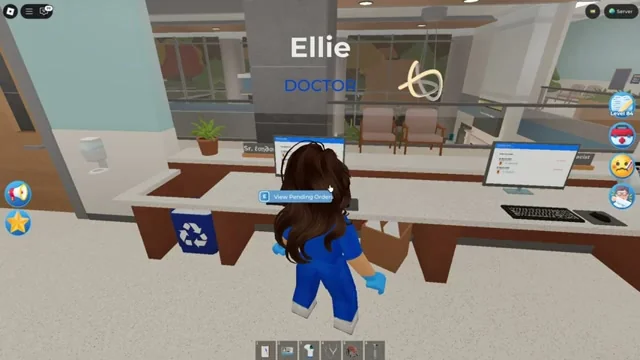
Burn Ointment is filled at the Pharmacy and delivered to the ER through the tube system.
Quick Info
- Reward
- 20+ XP
- Steps
- 11
- Visual effect
- Dirt-like overlay
- Key tools
- Sterile Saline, Bandages